Ask anything.
In your language.
OPERO is the assistant built into every page of OPEROGEN HR. Ask how to apply for leave, run payroll or add a branch, and it walks you through the steps and opens the right page.
- Leave page kholen
- Apply for leave dabayein
- Type aur dates chunen; working days khud gin liye jayenge
Help that knows the product.
Step-by-step answers
Clear numbered steps with the exact button and menu names, and a link to open the page.
English, Roman Urdu and Urdu
Ask "chutti kaise apply karun?" and get the answer in Roman Urdu. Ask in English, get English.
Setup checklist
For new companies, OPERO tracks setup progress and tells you what to do next.
Knows your role
Employees get employee answers; Admin and HR get the setup and configuration pages.
Private by design
OPERO can't see employee records, salaries or attendance, and it can't change anything.
Always has an answer
If the AI is busy, OPERO falls back to the help guides so nobody is left stuck.
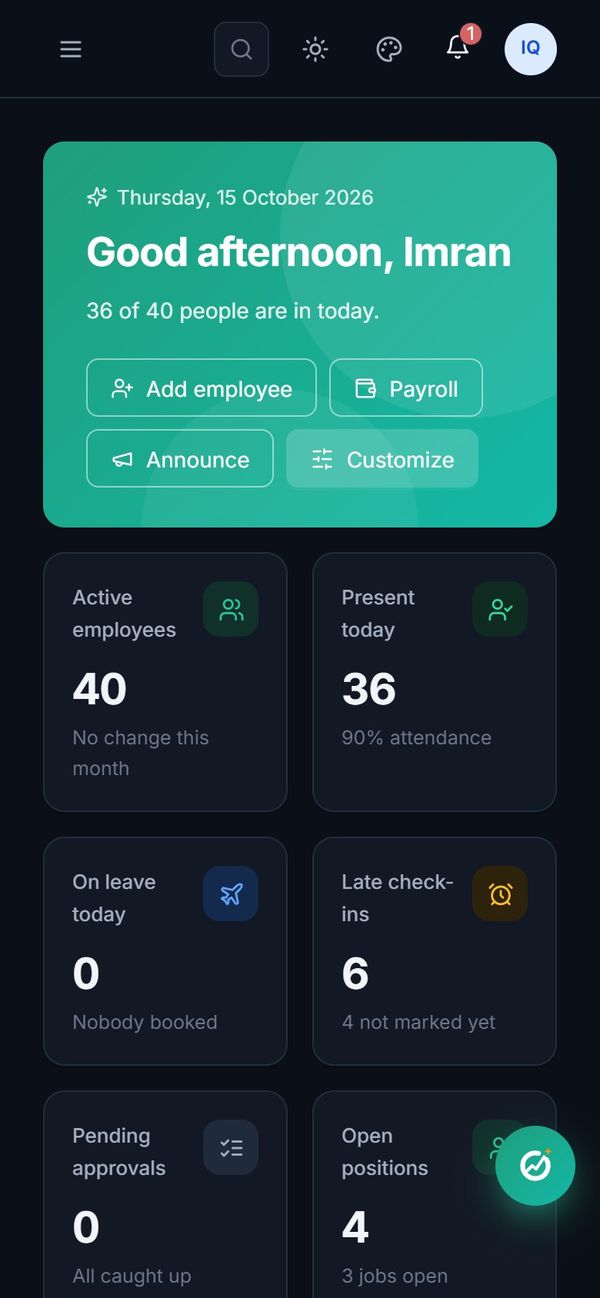
One tap away, on every page.
The OPERO button sits in the corner of every screen, on the computer and on the phone. Questions are asked where the work is happening, so the answer can point straight at it.
Meet OPERO in a live demo.
A 30-minute walkthrough of the modules you care about, with your questions answered by the people who built it.