Approvals
Every decision in one inbox, with the right person every time. Leave, work from home, attendance corrections, overtime and expenses wait in one place. Requests go to the reporting manager first, and to HR only when your rules say so or the manager is away.
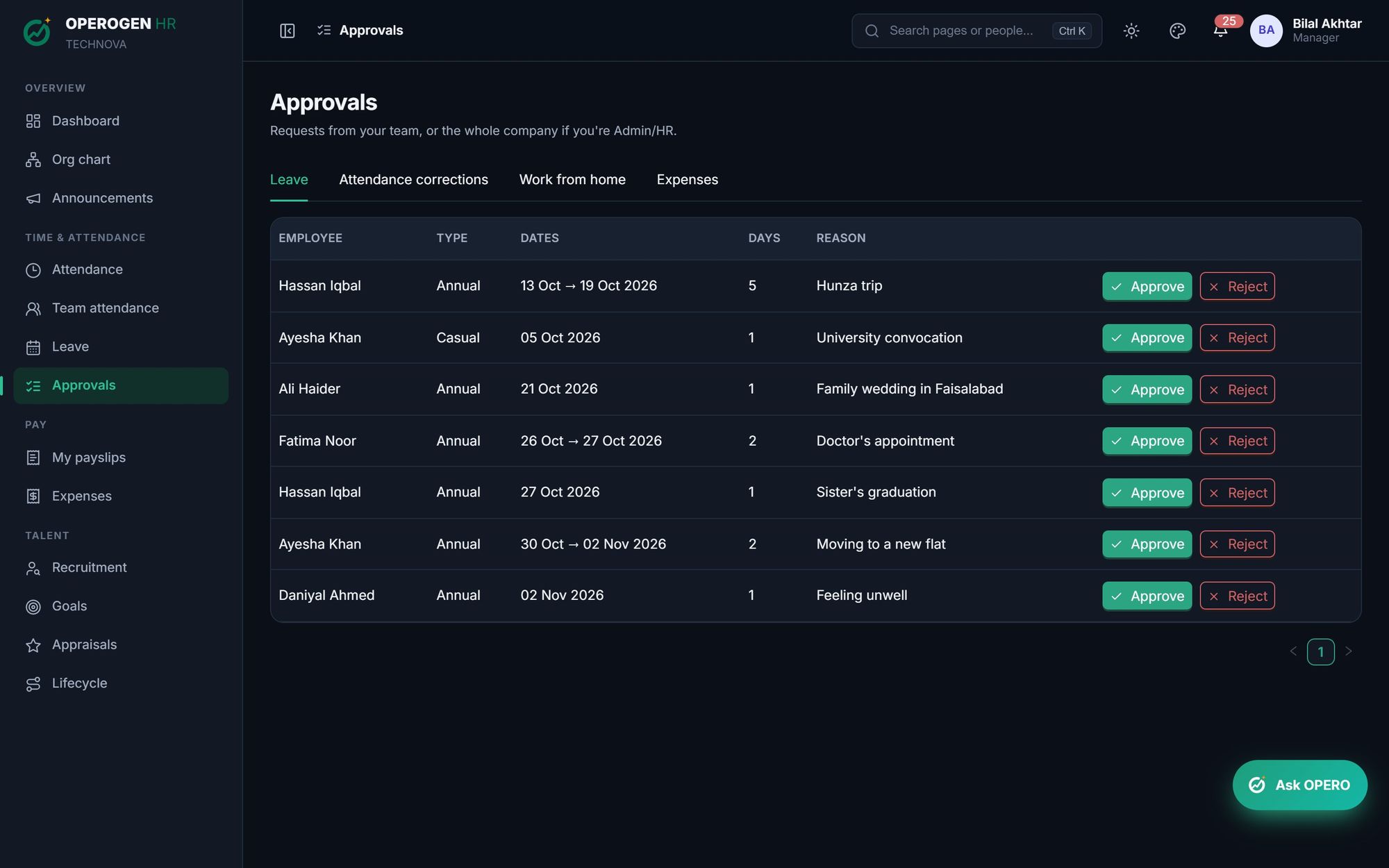
Everything in Approvals.
One inbox
Leave, WFH, corrections, overtime and expense claims, each in its own tab.
Manager first
The reporting manager decides first; HR is the second stage only above your thresholds.
Away manager cover
When a manager is on leave today, their team's requests go to HR so nothing waits.
Reasons on rejection
A rejection needs a reason, and the employee sees it on their request.
Pending with whom
Employees always see who a request is waiting on.
Email and in-app alerts
Approvers hear about new requests; employees hear about decisions.
No loose ends
Requests still pending when a month's payroll is finalized are closed with a clear reason.
Built for the people who use it every day.
- One inbox
- Manager first
- Away manager cover
- Reasons on rejection
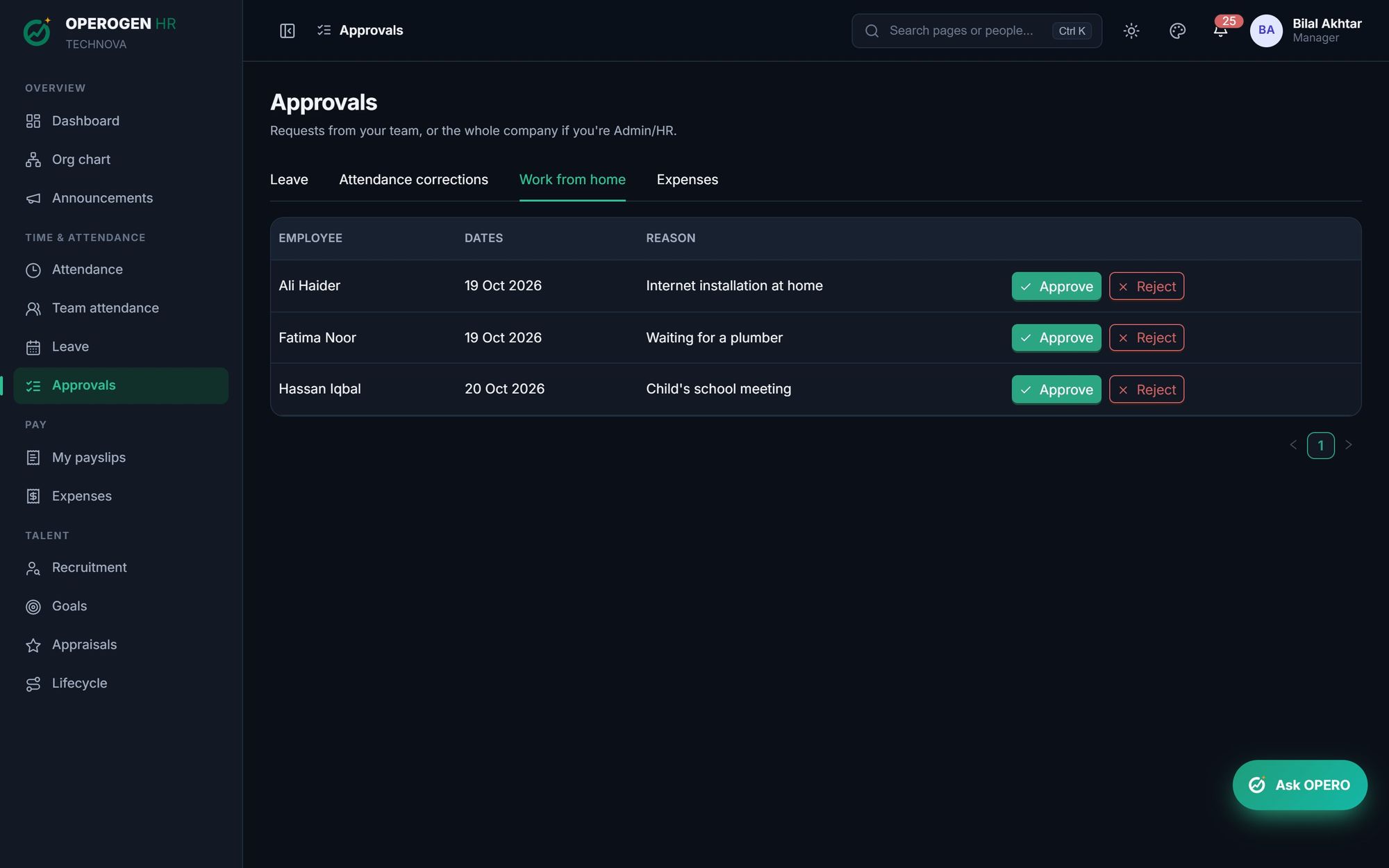
Three steps. That's it.
- 1
An employee sends a request.
- 2
Their manager approves or rejects with a reason.
- 3
HR steps in only when your rules need it.
About Approvals.
Can someone approve their own request?
No. Nobody acts on their own record: requests from managers go to their own manager or HR.
See Approvals in action.
A 30-minute walkthrough of the modules you care about, with your questions answered by the people who built it.