HR letters
Every letter on your letterhead, in seconds. Offer, experience, salary certificate, employment verification, increment, warning, NOC, probation and improvement plan letters from templates you control. Details fill in from the employee's record, the PDF carries your logo, stamp and signature, and a copy is filed in the employee's documents.
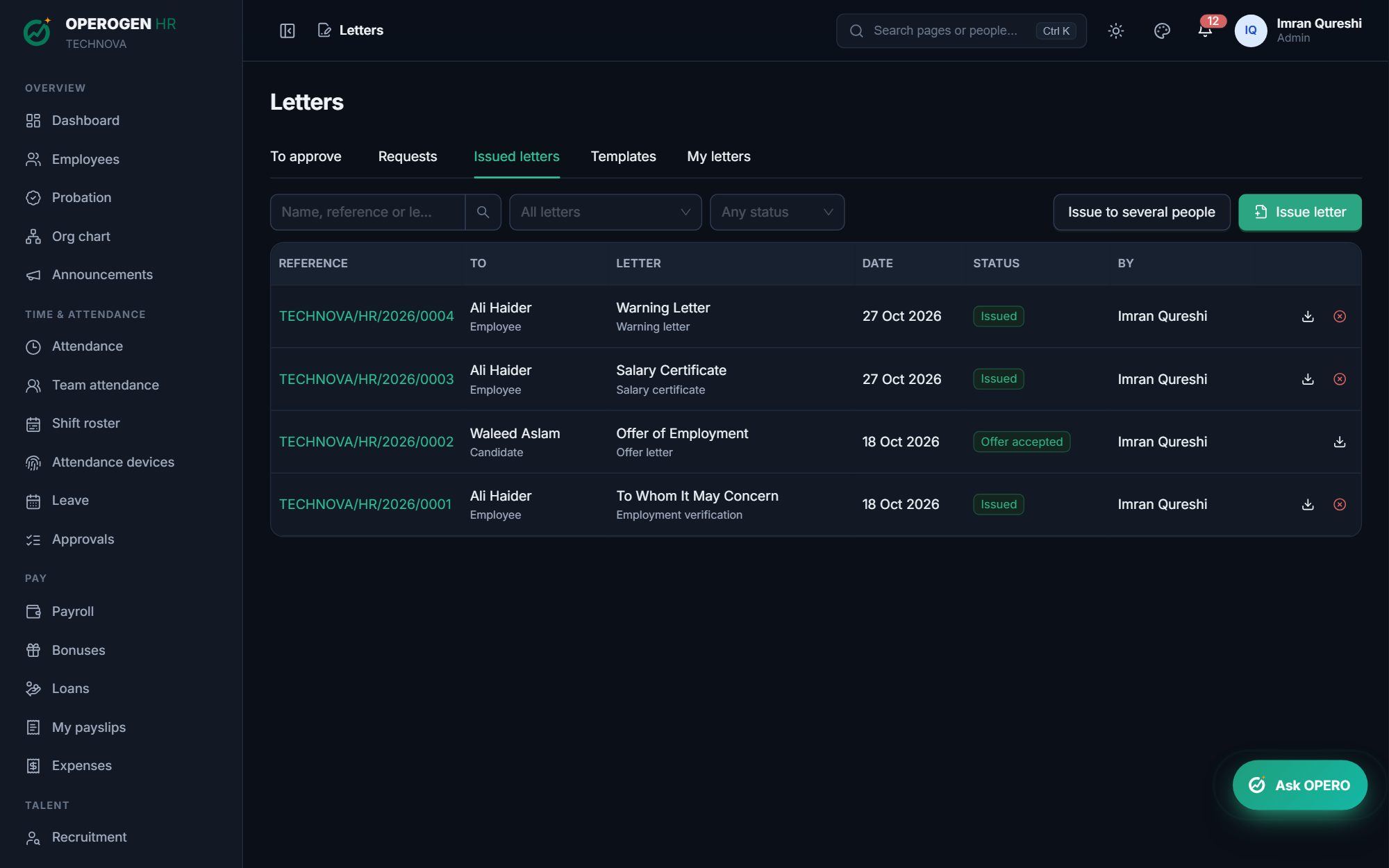
Everything in HR letters.
11 starter templates
Plus your own, with placeholders that fill in names, dates, salaries and more.
Your letterhead, stamp and signature
PDFs carry your logo and address, the company stamp and the signatory's signature.
Reference numbers
Every letter gets a number such as CODE/HR/2026/0001.
Requests from employees
Employees request a salary certificate, experience letter or NOC from self-service, and HR issues or declines it.
Approval when needed
Letters such as warnings can wait for the manager's approval before they're issued.
Bulk letters
Issue one template to up to 200 people at once, such as increment letters after a salary revision.
Filed automatically
Each letter is saved in the employee's documents and in their own My letters.
Three steps. That's it.
- 1
Pick a template and the employee.
- 2
Check the preview; details are already filled in.
- 3
Issue it: the PDF is filed and the employee is told.
About HR letters.
Can we use our own wording?
Yes. Edit any template or write your own. Changing a template never changes letters already issued.
See HR letters in action.
A 30-minute walkthrough of the modules you care about, with your questions answered by the people who built it.